
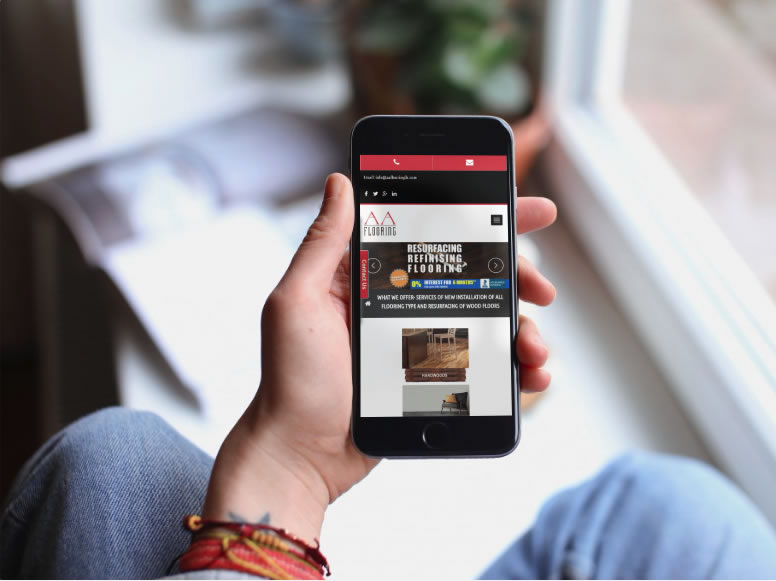
We are always here to help at Elegant Image Studios. We are going to share the top 5 web design tips for you to look for no matter what developer you hire for your next project. Site Is Not Mobile Ready: Responsive websites are a must! Every year, more and more web browsing is done on phones and other devices. Mobile is the now and it’s definitely not going anywhere. If your website cannot adapt to different screen sizes then your site is not mobile friendly. This tiny mistake could lead to losing out on multiple sales and conversions. So how do you fix the problem? You need a responsive website. Stale and Bland Content: If you want to generate long-lasting leads, you must have good content. Good copy will help you gain more site traffic and make people trust your company or service. Google recommends a 300-word minimum. Also, keep in mind, your content should always offer value to the customer in terms of tips and ideas. Original Photography is Important: This website mistake is probably the most common. Customers like to see visually appealing images when they visit a site. Taking the time to find high-quality images is easy and will definitely be beneficial in the long run. Poor Navigation: Without proper site navigation, your customers can become confused and overwhelmed. It’s important to limit the links in your menu and then put them in order that would make sense for your customers when they visit your site. Their needs to be a coherent direction or sequence of steps for the customer to take. The goal is for them to learn more about you and your services first. Bad Text: If your customer can’t read your content, then there’s a good chance there will be no sale. There are three main things that can affect the readability: font, color, and most importantly, size. It’s best to choose a font that is approximately 16 px. Another major point to keep in mind is that the size of your text will depend on the font style as well. When it comes to font colors, stick to a dark color if your background is light and vice versa. You want to make sure that your color palette is cohesive. We hope this will give you a better insight into making your website work better for you and your business. Whether you need to remedy your mobile ranking or want to jump ahead in the marketplace, we’ve got the answers you need, with innovative web design based on extensive market research. Please contact us at Elegant Image Studios (678) 457-7939 today and let us help your business grow!
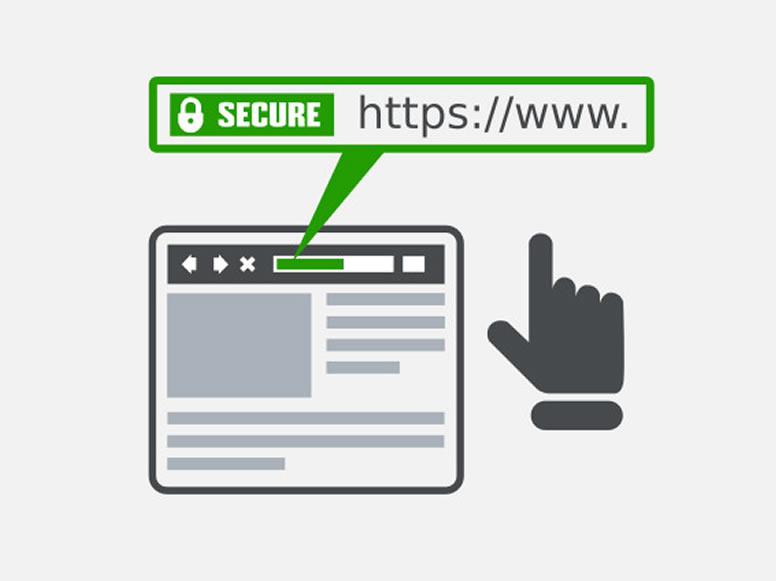
We strive to keep our clients informed of the latest developments in the online community. We want them to feel confident that we will share our expertise and help their business succeed. There has been a lot of buzz recently about SSL Certificates. What are these, why we recommended them, and why might you consider owning one now for your business? The SSL Certificate SSL stands for Secure Socket Layer. It is a security protocol that conveys your communications over the Internet in an encrypted form. SSL encoding is commonly employed by eCommerce websites (but continue reading even if you do not have an eCommerce site because you too can benefit from having an SSL Certificate) to protect sensitive information such as credit card numbers or personal data. SSL certificates ensure that information is delivered to the server for which it was intended, without falling into the hands of third parties (hackers!) who could tamper with the data. You’ll recognize sites that have an SSL certificate by the domain URL https://, rather than the unsecured http://, plus the green padlock icon that appears in your browser’s address bar (the color/appearance varies by browser). What Are the Benefits? Trust & Reputation — An SSL certificate helps build a trusted online brand recognized by customers as a reputable website. When completing transactions over the Internet, online shoppers trust the https:// URL and padlock symbol over the unsecured http:// URL. With an SSL certificate, you can inspire the highest level of trust in your customers. That means you can confidently sell products or services in an online shop knowing that each of your transactions is secure. Search Engine Ranking — In addition to popularity with customers, an SSL certificate will make you popular with search engines as well! The SSL certificate is recognized by Google’s algorithm as a seal-of-quality and assurance, meaning your website will appear higher up in the search engine’s results compared to unsecured websites. This means that you will enjoy increased traffic to your website from customers searching for your services on Google – all you need to do is show them that the security of their sensitive data is your priority Here are a few features of the superior SSL Certificates we use: 256-Bit SSL Encryption — World-class 256-bit SSL encryption for maximum protection Over 99% Browser Recognition — All major browsers recognize these security standards Lightning-Fast Validation — The digital verification (validation) is accomplished easily online, with no tedious paperwork or forms Are you interested in obtaining an SSL certificate? Call Us Today at (678) 457-7939 or Send us a message, and we can set this up for you!
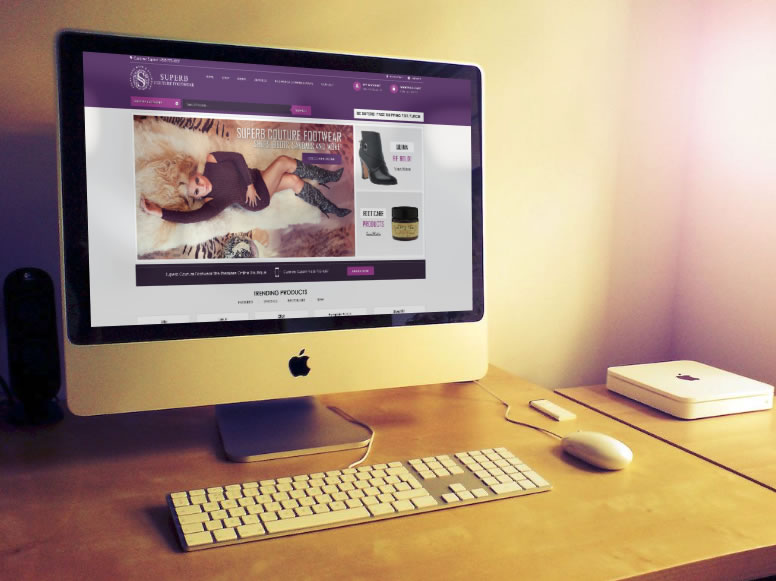
Superb Couture Footwear was founded by a woman who just wanted quality and fashionable footwear. Experiencing continued frustration about the lack of footwear in larger shoe sizes prompted the start of this company. For those who have experienced the same issues, you can look no further!
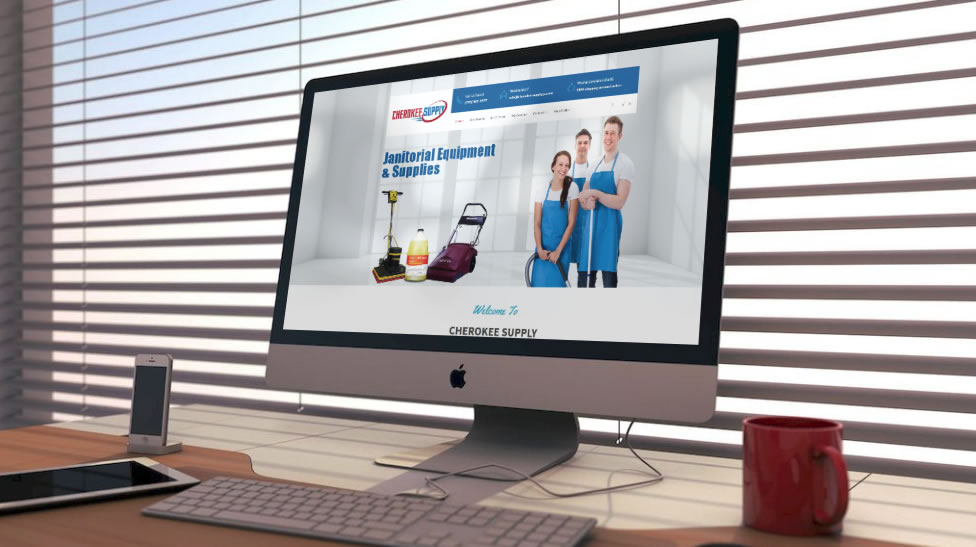
While their initial product offerings of janitorial breakroom supplies met the immediate needs of their customers, they were increasingly asked to provide other products. In response to those customer inquiries, they expanded their product offerings in 2010 to include office supplies, facility maintenance needs, and safety products. CherokeeSupplyGA.com brings a network of over 35 distribution warehouses to one site. CLICK TO ENLARGE PHOTOS
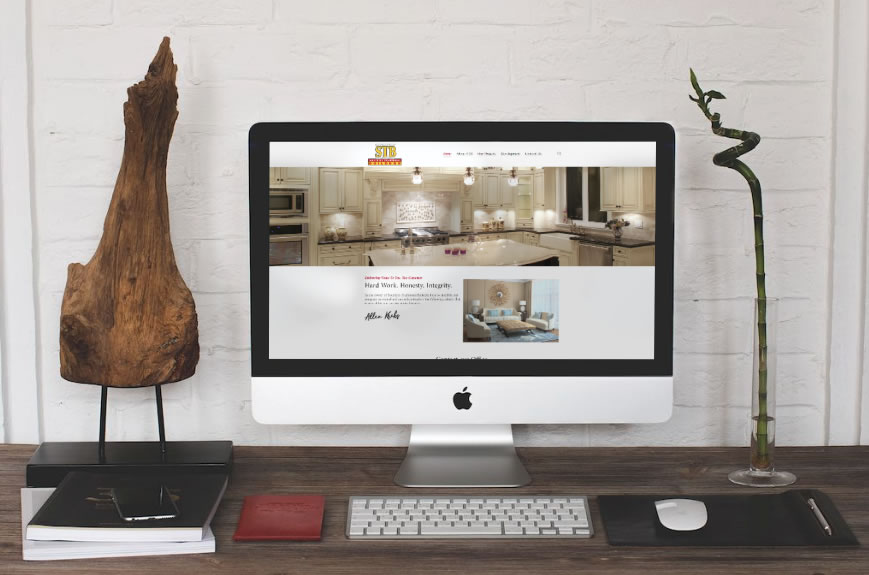
Southern Traditional Builders was formed in 1987. They specialize in the construction of custom homes, residential high-rise interior build-out, high-end renovation, and light commercial projects in the Atlanta area. The client is wanting a clean/simple design look to make his work stand out more so than the design scheme.
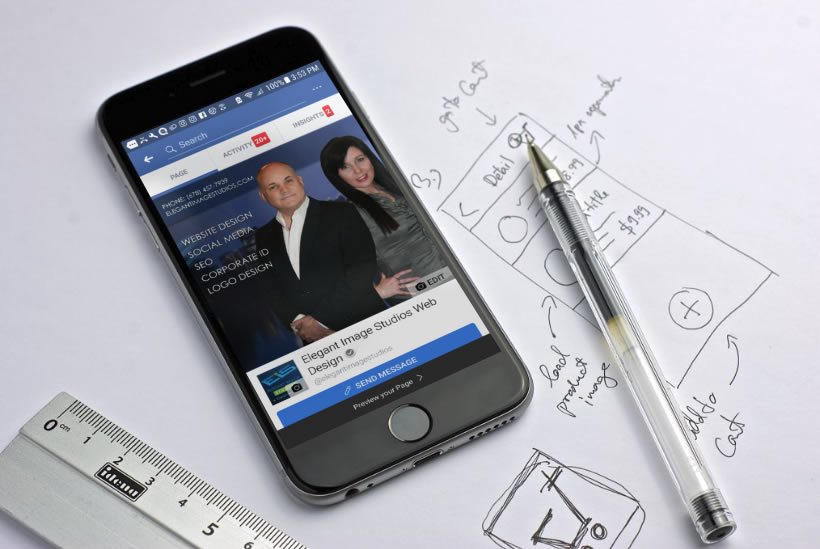
We’ve spent a ridiculous amount of time in recent weeks figuring out the ideal dimensions for Facebook Group, Page and Cover cover photos. And even if you have the correct dimensions down, you now have to make sure the key to crop mark is in place. “Why don’t you just Google it?” We hear you say. Wel, Googling it results in a mass of conflicting recommendations – mainly out-of-date. Ideal photo sizes have changed over the years (of course – this is Facebook after all). And what we have realized is most of these recommendations are far from optimal going into 2018. FB cover photo sizes: wake up to an era of mobile and video-first version: you now need to be creating all cover photos (Page, Group, and Profile) at 1920px x 1080px. And yes, we are fully aware that 1920px x 1080px is WAY deeper than the traditional letterbox size. We social media managers spend far too much time on a desktop rather than using Facebook like our fans and Group members do – i.e. on their mobiles/smartphones. Cover images on mobile in our recommended dimensions render in full. If you’ve only uploaded the traditional letterbox size you’ll be missing out on a bunch of smartphone real estate. That same photo will be cropped (probably badly) on tablet and desktop. Our recommended 1920px x 1080px size is actually a 16:9 aspect ratio. If you’ve spent any time working with video, you’ll know that this is the standard size for HD video. And of course you can now upload video as an alternative to a photo on your Facebook Page (that option for Profiles and Groups is bound to be here sometime soon – slideshows on Pages is also currently in an early roll-out). So there we have it – Facebook is thinking mobile and video-first. The OLD shallow letterbox size (which you’ll still see recommended by a lot of people) is: Groups: 820 x 250 (we recommend you create this in 1920 x 1080) Pages: 820 x 312 (we recommend you create this in 1920 x 1080) Personal Profile: 851 x 315 (we recommend you create this in 1920 x 1080) But for the reasons we explain below, it’s a lot better to create your photo in deeper 16:9 dimensions: Universal recommended size for all all Facebook cover photos (Page, Group and Profile): 1920px x 1080px What about the resolution? As well as this dimension change we’ve gone for a high-resolution recommendation because we are also considering the rise of higher res devices such as Retina Display – you want your cover photos to look all crisp and clear there too don’t you! 1920px x 1080px future proofs you to some extent and also covers off pretty much any other device currently on the market. On resolution, Facebook doesn’t help when it says “Keep in mind that your cover photo must be at least 400 pixels wide and 150 pixels tall”. This is simply a minimum size and in our experience, we find it way too grainy and the advice gives no guidance on safe areas for text. So long as it’s not a crazy size you won’t be penalized for uploading a nice large high res photo (this used to be the case with Facebook Groups where compression was applied) but no more. One word of warning, depending on the screen you use to view (i.e. non high res/retina display), you may find the image a little fuzzy. We’ve experimented with JPG vs PNG and a variety of sizes from 640×360 all the way to 1640×923. Now 820×461 often looks the sharpest on older displays but we’d still recommend 1920px x 1080px for best future proofing. What are the downsides of this deeper Facebook cover photo? The upside is a lovely deep photo to play with that renders in all its depth on mobile. However, on a desktop it gets cut a little as our cropping graphic below shows. These deep dimensions give the best view on mobile as it uses the entire photo and gives you the largest area possible for the photo on the native app. It also gives you a larger area for any text that Facebook itself places on top of the photo in some scenarios. As you don’t have an option to upload different variants for mobile vs desktop rendering you need to be super-aware of where your photo will get cropped on different devices. Keep text to the safe area and ensure that nothing else in the picture looks weird when savagely cropped. How does Facebook crop cover photos? Key to crop marks The image will render at full size on most mobile/smartphone devices Tablet Crop – this is where the photo will be cropped on a tablet and on mobile browsers (not the app) Desktop Crop – the photo will crop like this on tablets when using a browser (not the app) and on PC or Mac desktop Group Circular Icon – a circular photo that surfaces in some settings (for instance on the Page as the linked Group, in recommended Groups on the mobile app, likely to be in the upcoming Group Stories feature, suggested Groups). Where that crop goes does depend on faces in the photo – Facebook tends to pull them into the center of the crop so if you have a face in the right or left it’s likely there because a face has been detected. Other times Facebook seems to crop in the middle of the “busiest” part of the image When you upload the photo you’ll be able to move it up and down which will give you a little more control on the desktop crop position (download our free Facebook Cover Image Guide for more information about how that works). If this is a bit too much information and you are feeling frustrated then give us a call today and let us take a look at your current cover photo for your business page or
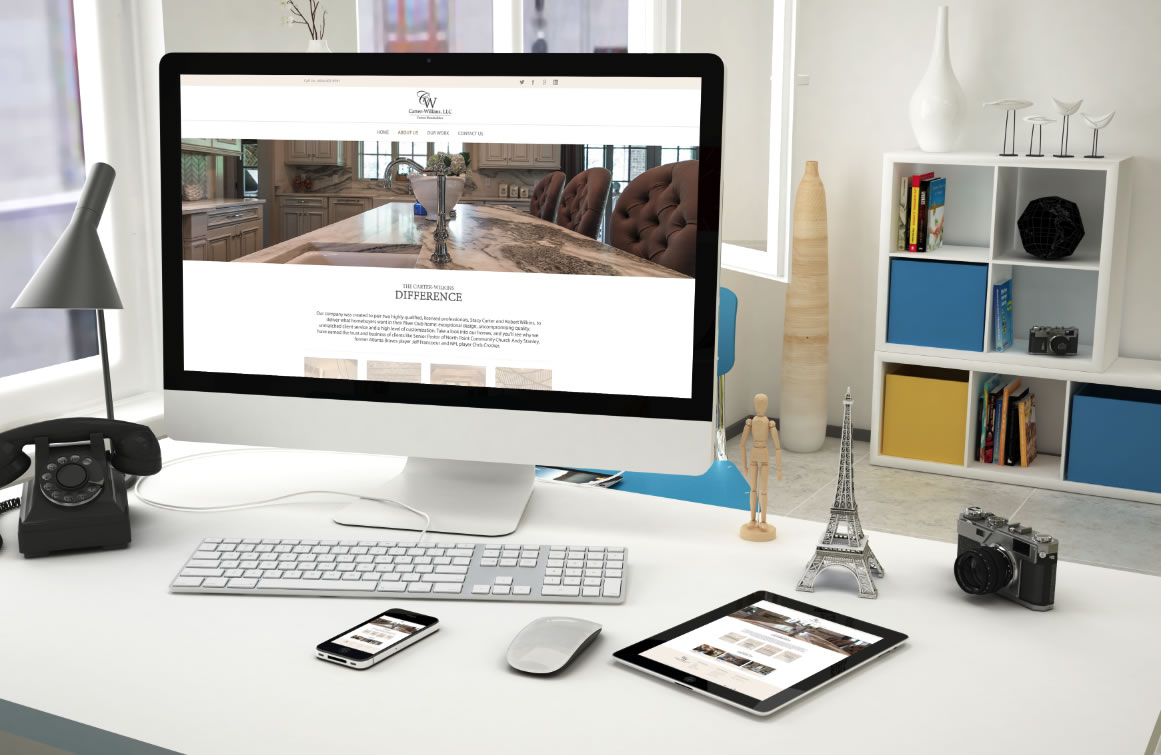
Carter-Wilkins, LLC. was created to pair two highly qualified, licensed professionals, Stacy Carter and Robert Wilkins, to deliver what homebuyers want in their River Club home: exceptional design, uncompromising quality, unmatched client service, and a high level of customization. They have earned the trust and business of clients like Senior Pastor of North Point Community Church Andy Stanley, former Atlanta Braves player Jeff Francoeur and NFL player Chris Crocker. Click on the image to enlarge
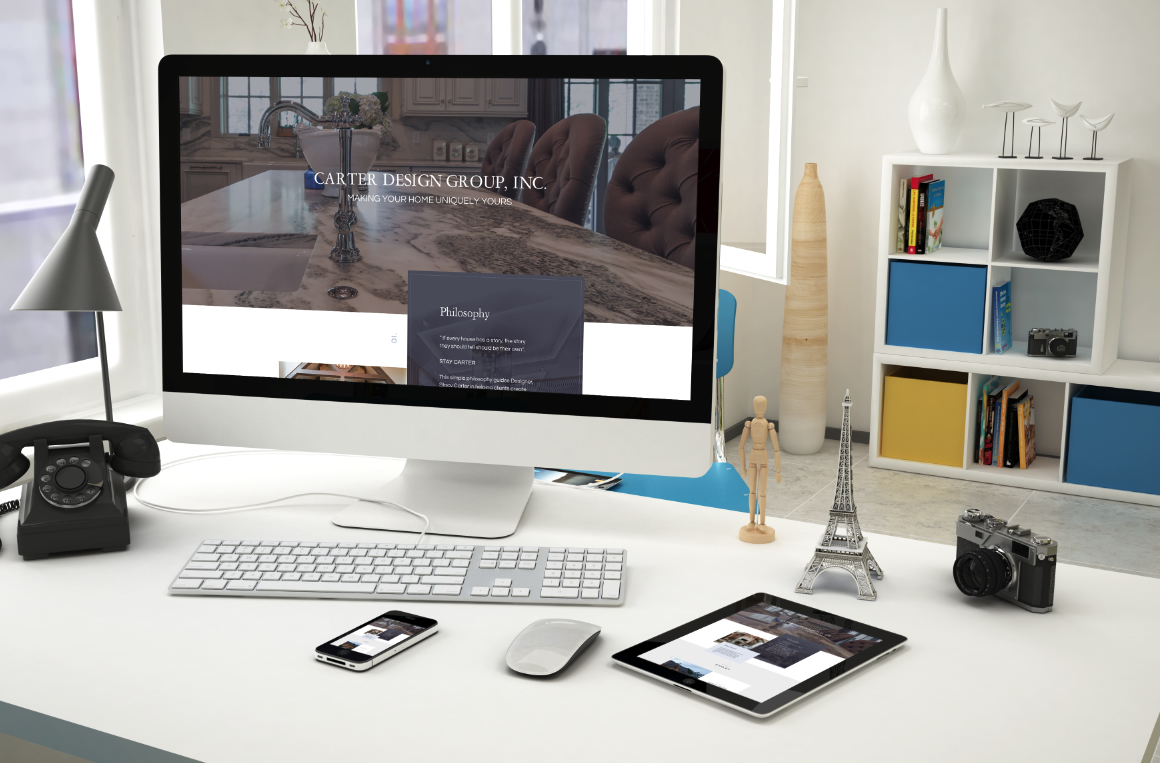
Located in Duluth, Georgia, Carter Design Group, Inc. is committed to ensuring client satisfaction by providing attention to detail and quality workmanship, products, and services. By striving for excellence, the Carter Design Group has quickly become one of Atlanta’s premier design firms. This design has a more corporate feel with a touch of style and refinement. CLICK TO VIEW FULL SIZE Some of the features this landing page would include are: Advanced Visual Builder/Editor – Drag & drop elements for the client to easily maintain and update their page. Responsive & Retina Ready – It will provide optimal viewing experience on any device. Slider Revolution Unyson WP Framework Translation Ready Advanced SEO Fonts & Typography – Google web safe fonts. Contact Form Builder Portfolios Animations & More!
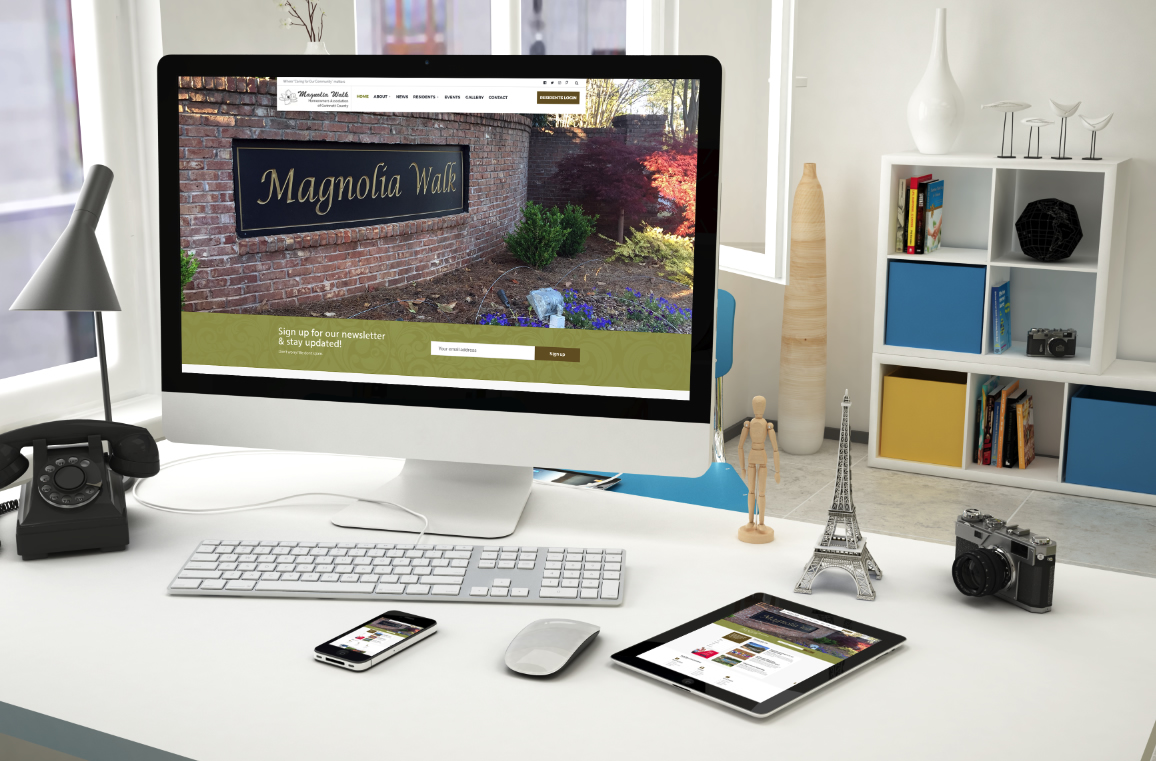
Magnolia Walk HOA was in need of finding a dependable web design firm. They wanted an eye-catching design and after much research, they decided to choose us. (such a wise decision) CLICK TO ENLARGE SITE DESIGN Main features would include: Drag and Drop page builder to make editing easier for HOA Advanced admin panel/dashboard Slider Custom post types Responsive layout Google font selector/custom typography Multiple jQuery sliders Simple event planner Archive templates Translation ready Related posts HTML5 & CSS3 & latest WP Standards SEO optimized markup Clean source code Advertiser banners for the residents HOA Document portal & more
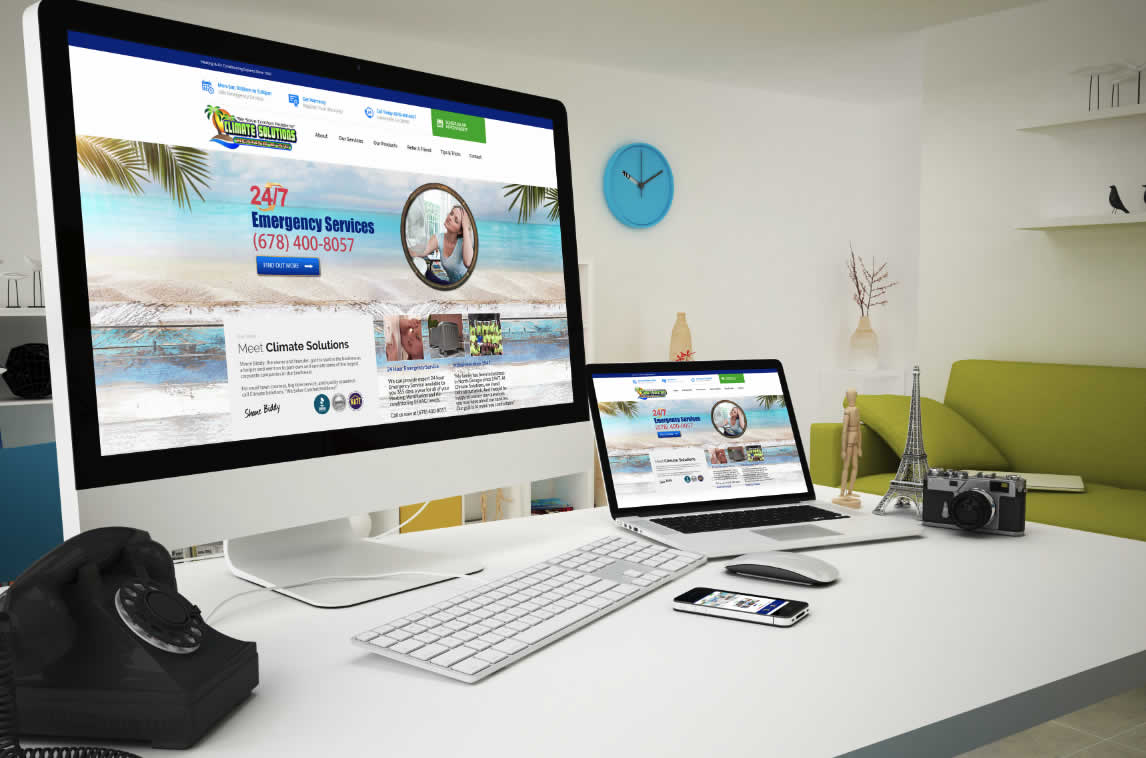
We welcome one of our newest clients, Climate Solutions. Climate Solutions is one of the few family-owned and operated HVAC businesses in the North Georgia area. A little bit about this custom theme I’ve made: Would include a drag and drop page builder/editor to help the client easily maintain the website with no coding knowledge needed. Premium Slider on the home page Promo banners can be made easily if the client would like to show specials on the home page Special Offers Calendar Capability Schedule and Appointment Form Get a Warranty Form Cross browser compatibility Parallax effects on backgrounds SEO optimized Sticky Menu Support (you scroll and the menu will follow down the page) 800+ Google web safe fonts Tip and Tricks would be set up like a blog section/news area Testimonials
